Use EazyMatch AI to detect duplicates, identify missing data, standardise job titles and enrich CRM records through Apollo. Review and approve every suggested update before syncing it to your CRM.
Rule-based deduplication only finds the duplicates someone wrote a rule for, and modern CRMs create duplicates no rule anticipates. AI matching compares several fields at once, which is why it is replacing fixed rules in HubSpot and Pipedrive clean-ups.
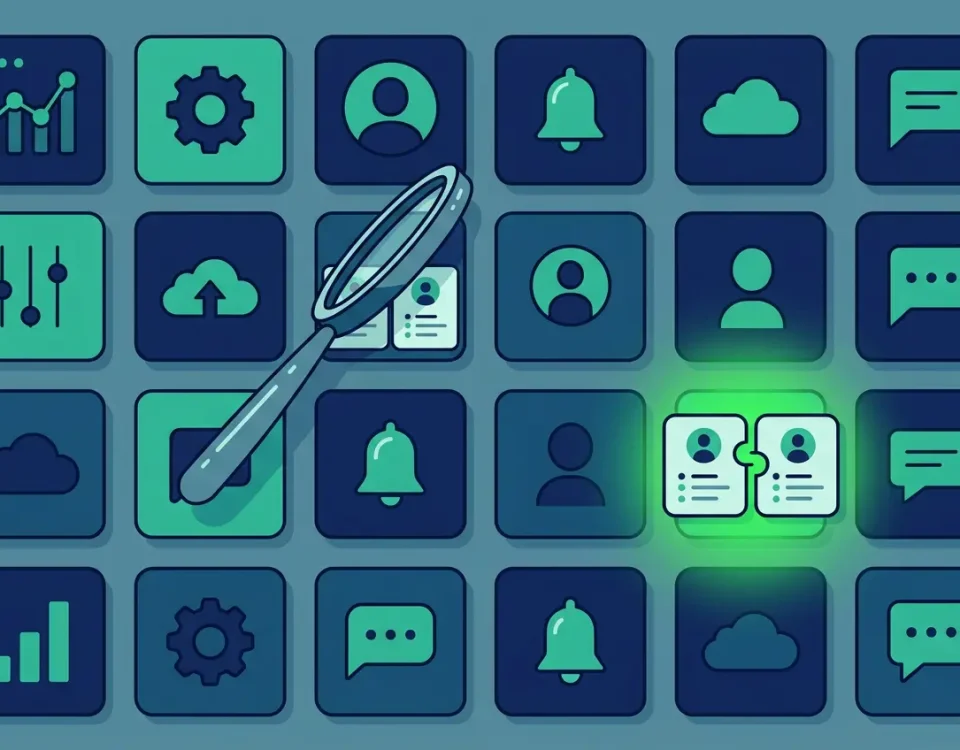
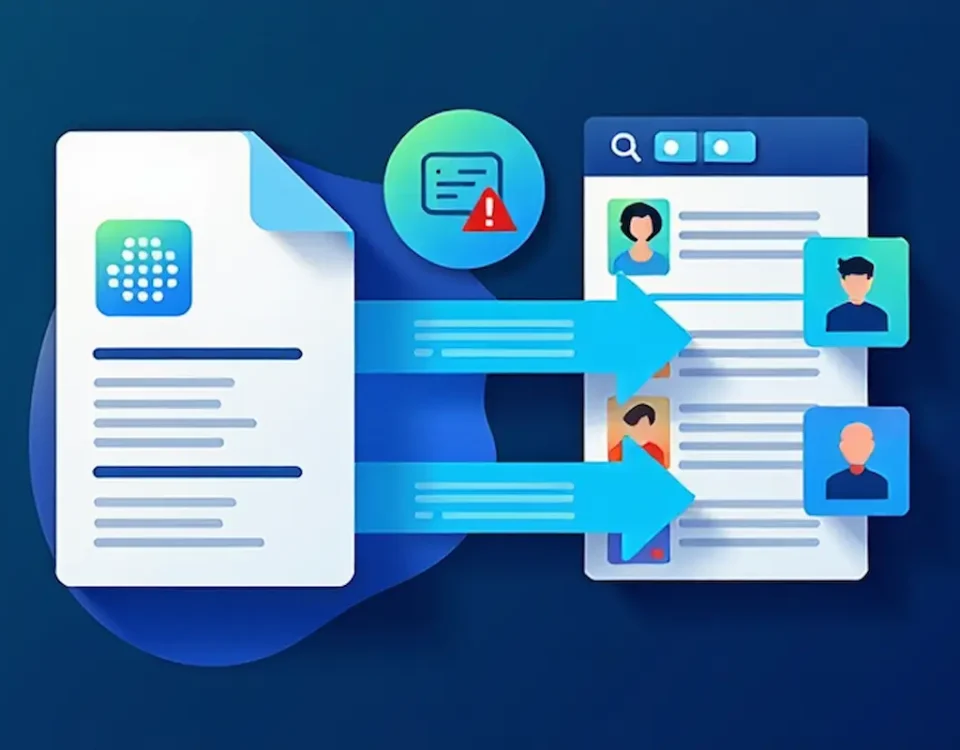
Plenty of Pipedrive apps promise clean data, but each one can only find the duplicates its matching logic is able to see. This comparison looks at what the main options actually match on, and why EazyMatch AI catches the records that share no common field.
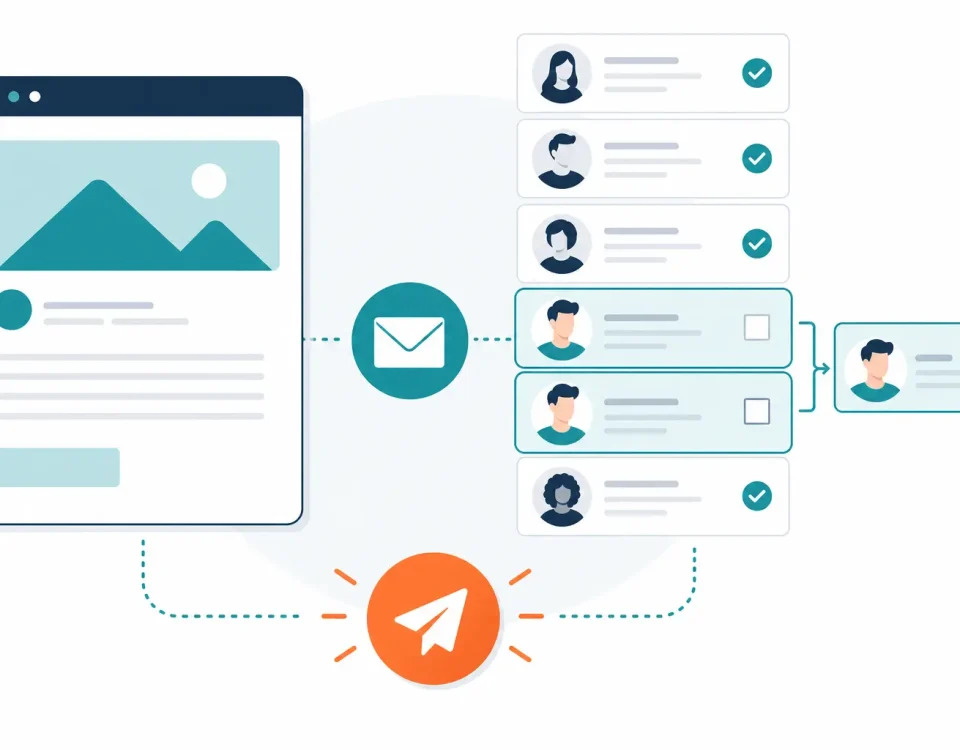
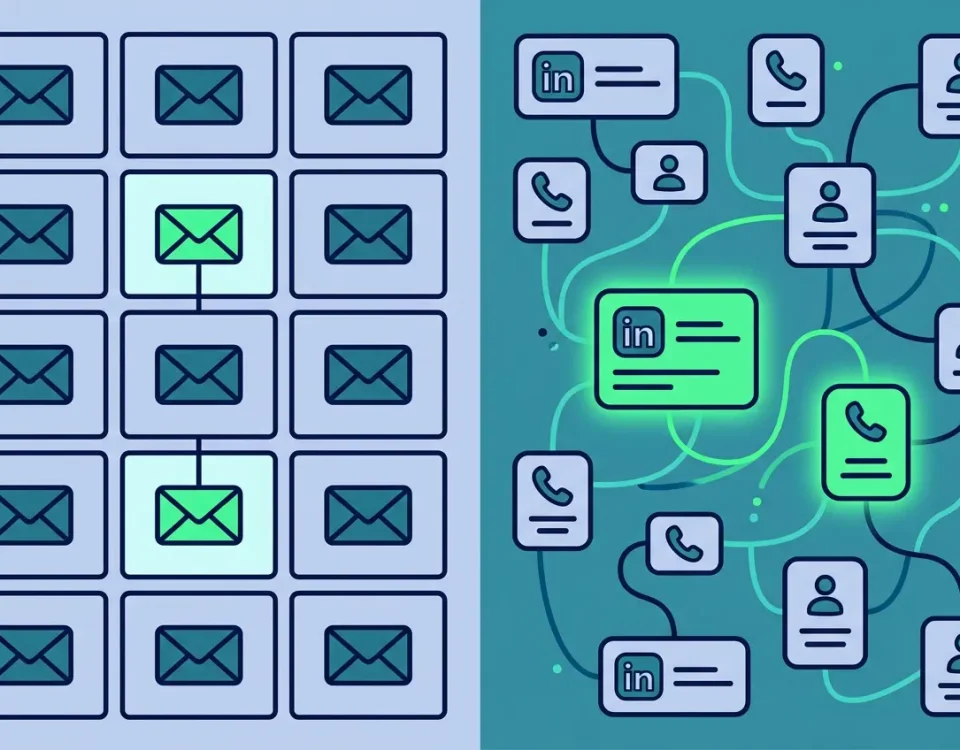
HubSpot stops one contact record getting the same email twice, but it cannot tell when two records are the same person, so duplicates quietly double your sends and split your results. This guide gives you a pre-send check for your lists and shows how EazyMatch AI finds the duplicates that share no email address.
When nobody owns the CRM, data quality becomes everyone's problem and nobody's job, and it decays a little more with every import and form fill. This guide gives RevOps a practical governance framework and shows how EazyMatch AI turns the policy into something you can actually enforce.
One-off CRM cleanups never last, because bad records arrive every day and cleanup sprints happen twice a year. This guide shows RevOps teams how to automate data quality detection while keeping every change under human review.
Most teams shortlist HubSpot data quality software by comparing feature lists, then find out too late they picked against the wrong criteria. This buyer's guide covers what to evaluate before you compare any specific app.
Most CRM databases carry far more wrong and outdated records than teams realise, and the usual duplicate-hunting cleanup misses most of it. This post covers the real causes of inaccurate CRM data and how to catch it.
A bulk contact import is one of the fastest ways to double hundreds of records in HubSpot at once. This guide covers how to import contacts without creating duplicates — file prep, match settings, and the records native matching can't reconcile.
Most teams evaluating a HubSpot data quality app can't tell where the native tools stop and a paid app earns its place. This review compares the main options on how they match duplicates, flag missing data, and keep a human in control before anything syncs back.
We use cookies to improve your experience on our website. Please choose your cookie preferences below.
Cookie Preferences
EssentialAlways Active
These cookies are necessary for the website to function and cannot be switched off in our systems. They are usually only set in response to actions made by you which amount to a request for services, such as setting your privacy preferences, logging in or filling in forms. You can set your browser to block or alert you about these cookies, but some parts of the site will not then work. These cookies do not store any personally identifiable information.
Analytics
These cookies allow us to count visits and traffic sources so we can measure and improve the performance of our site. They help us to know which pages are the most and least popular and see how visitors move around the site. All information these cookies collect is aggregated and therefore anonymous. If you do not allow these cookies we will not know when you have visited our site, and will not be able to monitor its performance.
Marketing
These cookies enable the website to provide enhanced functionality and personalisation. They may be set by us or by third party providers whose services we have added to our pages. If you do not allow these cookies then some or all of these services may not function properly.